
Proper asset management is key to any successful maintenance strategy. In a CMMS like MPindustries, a well-defined structure from the outset prevents errors, duplication, and loss of important information.
If you're starting to implement maintenance software, this article will give you a clearer idea of how to organize your teams and properties in a logical, scalable way that aligns with best practices.
Why is it important to structure your assets well from the beginning?
Structuring assets correctly from the start in your CMMS is not just a good practice: it's what defines the success of the entire implementation.
When teams, locations, and properties are well organized from the start, operations flow smoothly: information is easily found , maintenance activities are accurately recorded, and reports truly reflect what is happening in the field.
Conversely, a poor structure generates confusion, duplicate work, and unreliable data, lengthening the time to see real results.
Asset management is not just about documenting assets, but about having complete clarity on what you own, how it works, and how much it costs to maintain it.
When these concepts are applied correctly within a CMMS like MPindustries, they become a real operational advantage.
What is an asset at MPindustries?
An asset is any facility, piece of equipment, machinery, or physical component that requires maintenance and forms part of the company's infrastructure. Assets are organized hierarchically (asset tree) to record their technical data, location, maintenance history, costs, etc., which facilitates the management and execution of maintenance activities.
What is a hierarchical asset tree?
A hierarchical asset tree is a way to organize your equipment and facilities into levels , from the most general to the most specific, functioning like a map. For example:
- Plant
- Area
- Production line
- Machine 1 (Parent Team)
- Component A (Child Team)
- Component B (Child Team)
- Machine 2 (Parent Team)
- Component C (Child Team)
- Machine 1 (Parent Team)
- Production line
- Area
What are the advantages of defining hierarchies?
- Quickly locate any asset
- Record information in an organized manner
- Generate clearer and more reliable reports
- Scale the operation in a controlled manner
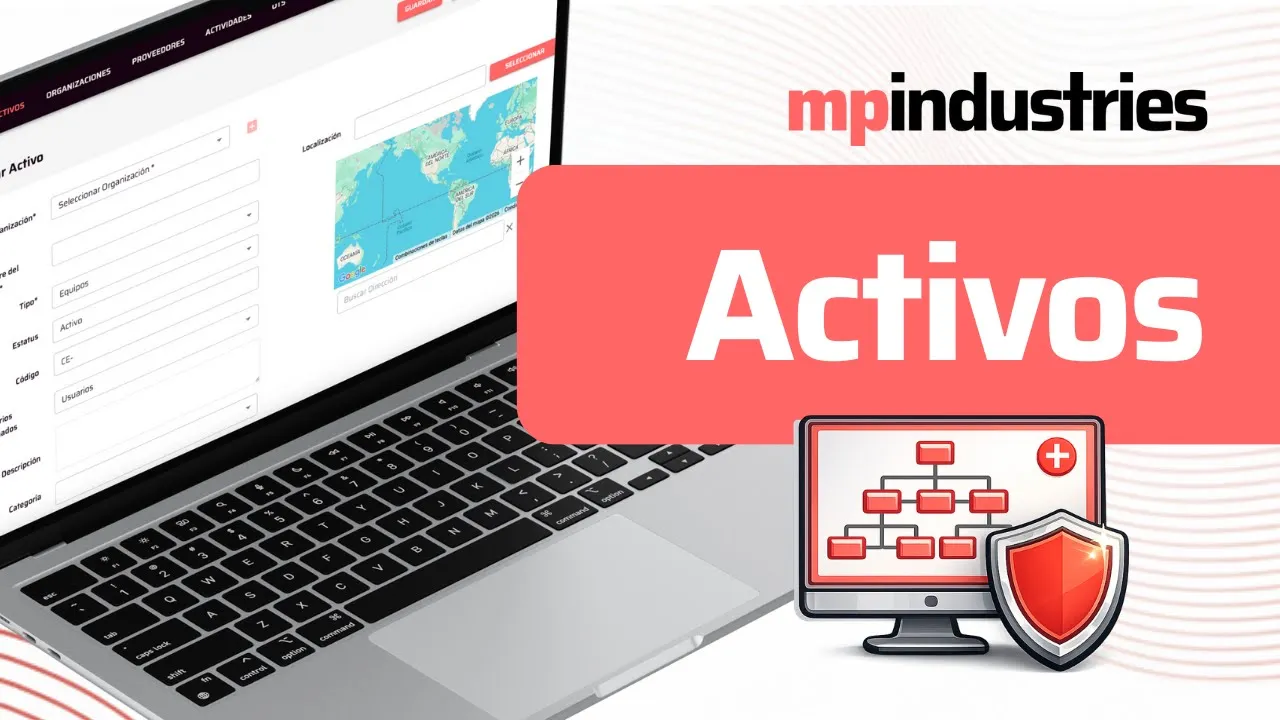
How to create your hierarchical asset tree in MPindustries?
Are you looking to solve problems with your asset management?
Schedule a personalized demo with one of our consultants and learn how MPindustries is the perfect solution for managing the maintenance of your assets.




Optimize your company's operations and automate maintenance activities with our advanced cloud-based CMMS system.



Increase your recurring revenue and the productivity of your technicians with the first Field Service Software (FSM) created for maintenance service companies.

The leading company in technological maintenance solutions with over 30 years of experience in Latin America. Committed and focused on customer satisfaction.


© 2026 MPtotal, MPindustries and MPservices are registered trademarks of Software para Mantenimiento MP SA de CV.